
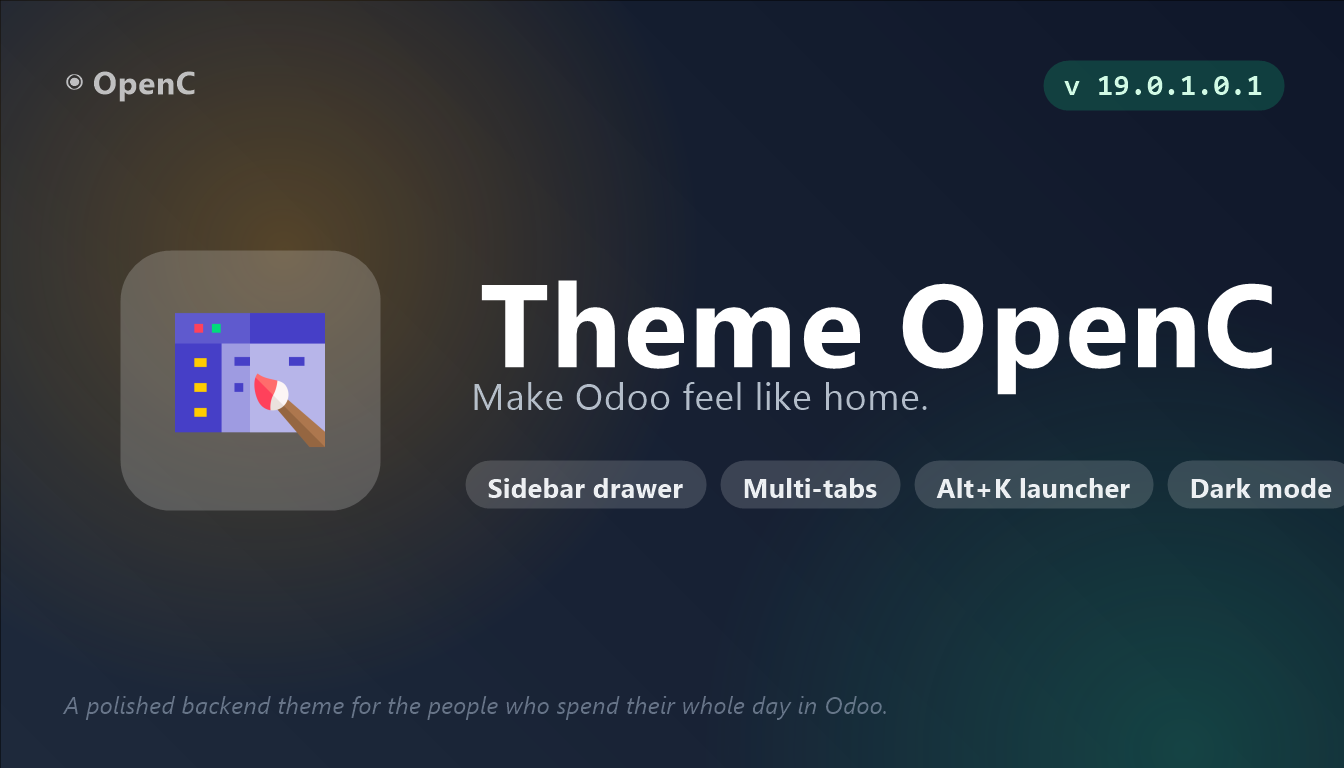
Theme OpenC is a pure backend theme designed and tested for Odoo 19 Community Edition, with no enterprise dependencies. It turns the Odoo backend into a desktop-class working environment — slim sidebar, browser-style tabs, a keyboard launcher, dark mode — while staying genuinely usable on phones and tablets.
What Theme OpenC does
Most Odoo themes restyle colours. This one changes navigation. The sidebar collapses to a 50-pixel rail and expands on hover or on lock; actions open in browser-style tabs; Alt+K opens a command centre with fuzzy search across apps and menus, where you can pin individual apps or sub-menus.
Accessibility is treated as a feature rather than an afterthought: focus-visible rings throughout, WCAG-compliant contrast on sidebar labels, support for reduced-motion and high-contrast media queries, and ARIA labels on icon buttons.
Watch the demo
A full video walkthrough is available here: watch the demo on YouTube.
Key features
Sidebar navigation
A slim 50px rail with hover-expand and lock, and a full drawer overlay on mobile and tablet (≤ 768px) with swipe gestures.
Multi-tab navigation
Browser-style tabs across Odoo actions, so comparing two records no longer means losing your place.
Command centre (Alt+K)
A launcher with fuzzy search across apps and menus, recursive submenu drill-down, and the ability to pin apps or sub-menus.
Dark mode
A full dark theme with a smooth toggle, respected by every custom component the theme adds.
Colour presets and backgrounds
Seven brand palettes — Steel, Ocean, Forest, Sunset, Royal, Rose, Teal — re-tinting sidebar, navbar, accents, buttons and the login page, plus seven preset gradients, a custom colour or an image URL for the launcher background, with an auto-readability overlay.
Login page customisation
Four layout orientations — default, left, centre, right — with a glass-card design and background image, colour or URL options.
Bookmarks and quick notes
A persistent per-user bookmarks panel and a scratchpad for ad-hoc notes, reachable from any screen.
List and form polish
Three list density modes (cozy, default, roomy), column resize with persistence, kanban hover preview, a smart refresh button and a status-bar fix that prevents vertical stacking.
Mega-menu submenus
Odoo's plain dropdowns become glass mega-menus with accent bars and multi-column layout for long lists, with a graceful fallback where backdrop-filter is unsupported.
Mobile and tablet first
Touch targets of at least 40px, drawer navigation, a sticky first column on lists, swipe-to-open and swipe-to-close gestures, and scroll-lock while the drawer is open.
Accessibility
:focus-visible rings everywhere, WCAG-compliant contrast on sidebar labels, reduced-motion and high-contrast support, and ARIA labels on icon buttons.
How to set it up
Configuration lives in Settings > Theme OpenC. The full sequence is:
- Add the theme to your addons path and install it from the Apps menu.
- Reload the backend — the sidebar and tab bar appear immediately.
- Open the theme settings to pick a colour preset and, if you want, a launcher background.
- Toggle dark mode and choose your list density.
- Press Alt+K and pin the apps and sub-menus you use daily.
- Customise the login page layout and background to match your brand.
Good to know
- This is a backend theme. It changes the Odoo web client, not your public website.
- Licensed LGPL-3 and built for Odoo 19 Community Edition, with an Odoo 18.0 series also maintained.
Requirements and compatibility
| Odoo series | Odoo 18.0, Odoo 19.0 |
|---|---|
| Depends on | base_setup, web, mail |
| Licence | LGPL-3 |
| Edition | Works on Odoo Community |
Where to get it
See Theme OpenC on buyodoo.com
Browse the full catalogue on the buyodoo.com shop, or contact us if you need help choosing.
Frequently asked questions
Does it require Odoo Enterprise?
No. It is a pure backend theme designed and tested for Odoo 19 Community Edition, with no enterprise dependencies.
Does it work on mobile?
Yes, and deliberately so: a drawer navigation with swipe gestures, touch targets of at least 40px, a sticky first column on lists and scroll-lock while the drawer is open.
What does Alt+K do?
It opens the command centre — a launcher with fuzzy search across apps and menus where you can pin individual apps or sub-menus and drill down through submenus.
Can I change the colours?
Yes. Seven brand palettes re-tint the sidebar, navbar, accents, buttons and login page, and the launcher background accepts a preset gradient, a custom colour or an image URL.
Which Odoo versions are supported?
Odoo 18.0 and Odoo 19.0, with Odoo 19 Community as the primary target.